Private AI Note Taker
- Your recordings stay on your phone
- No cloud processing
- No account
- No ads in the app
- Your data stays yours
Record meetings, lectures, interviews, and ideas. LocalNote transcribes, summarizes, lets you ask one note anything, and keeps everything searchable on device.
Private AI note taker with instant transcripts, action-focused summaries, note-specific answers, and powerful search. No account. No cloud notes.
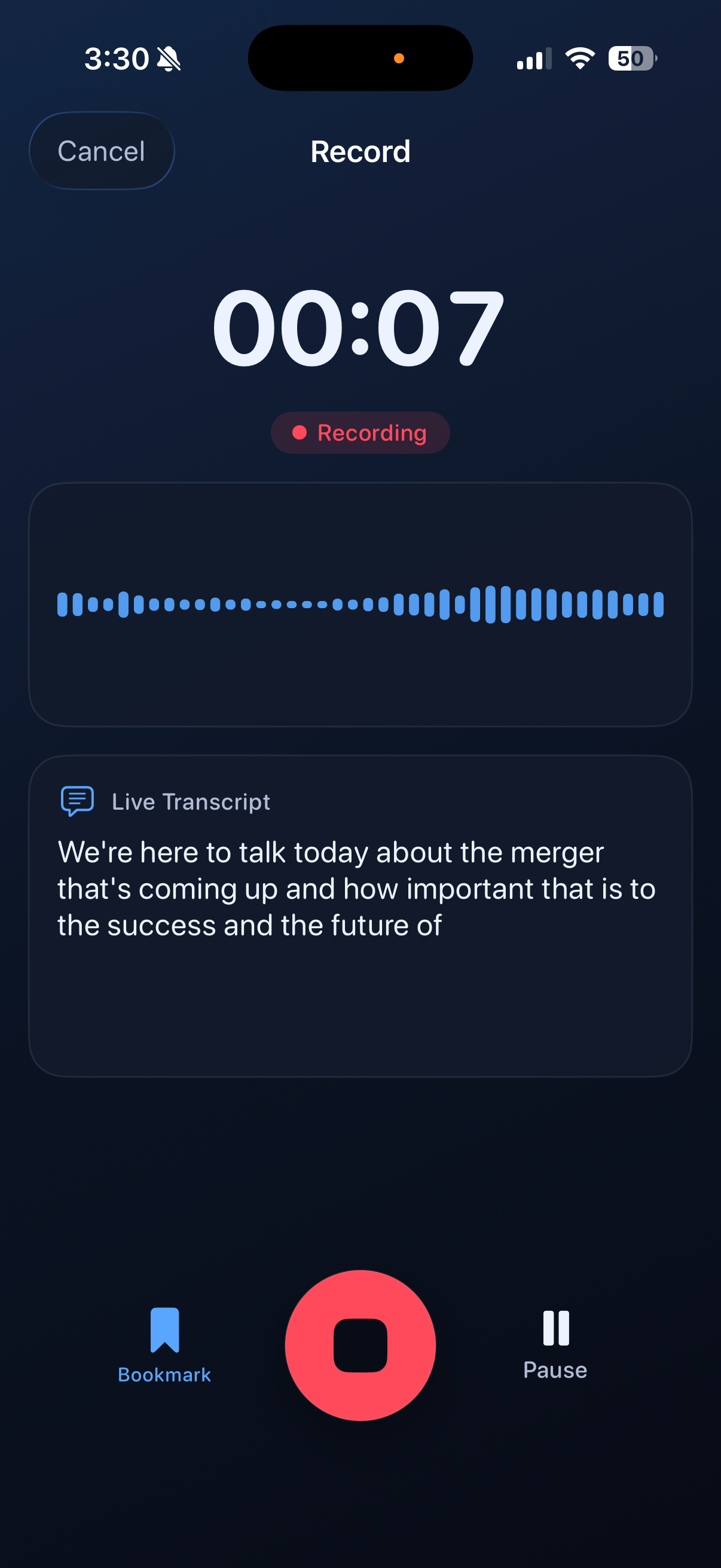
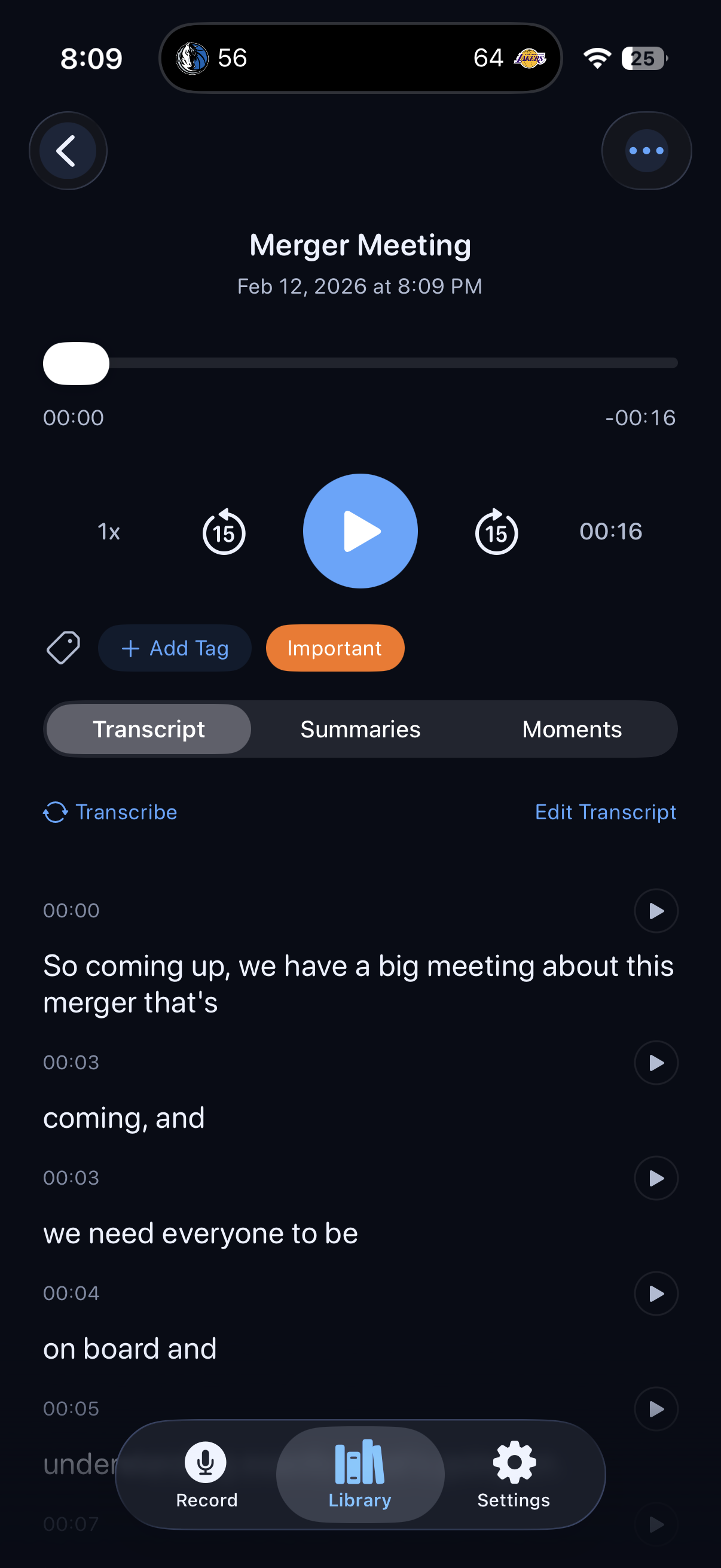
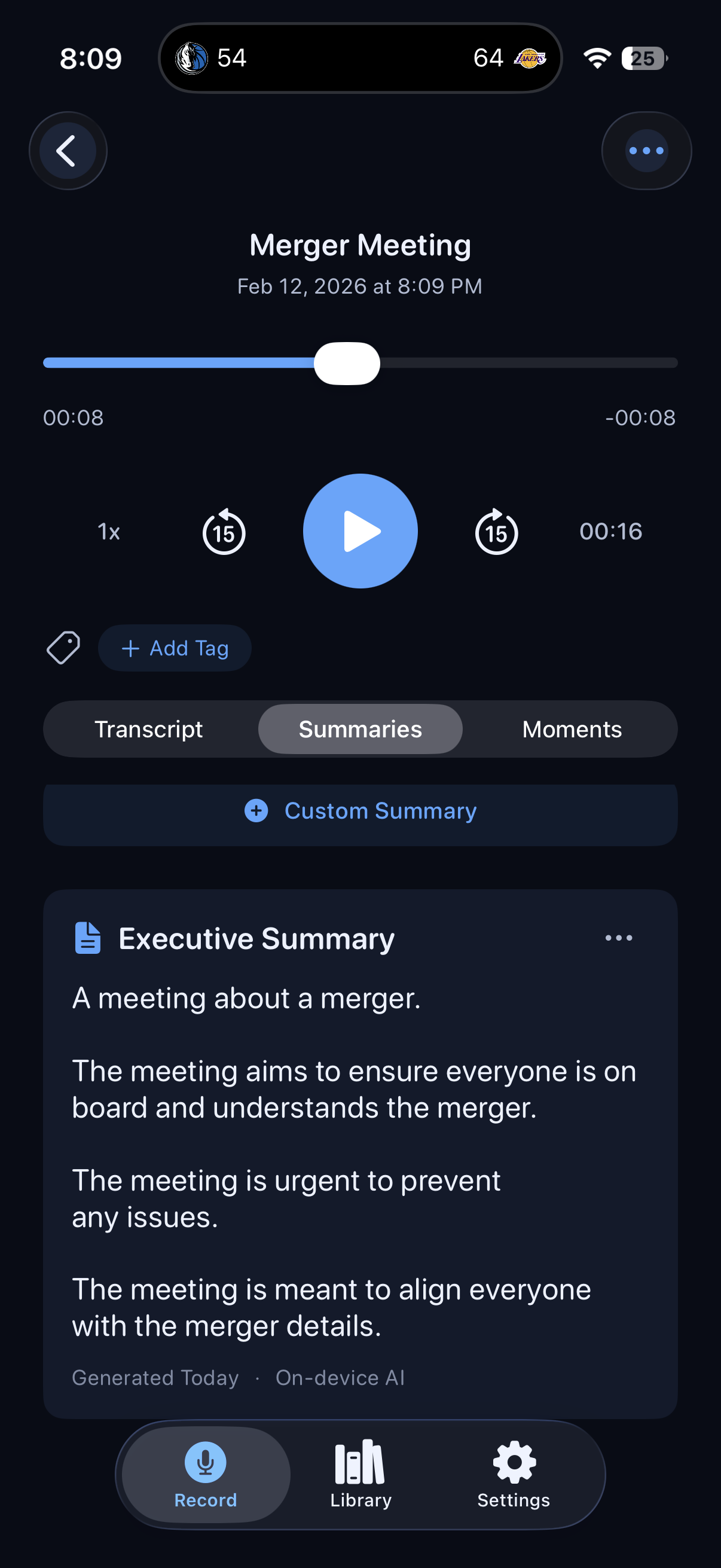
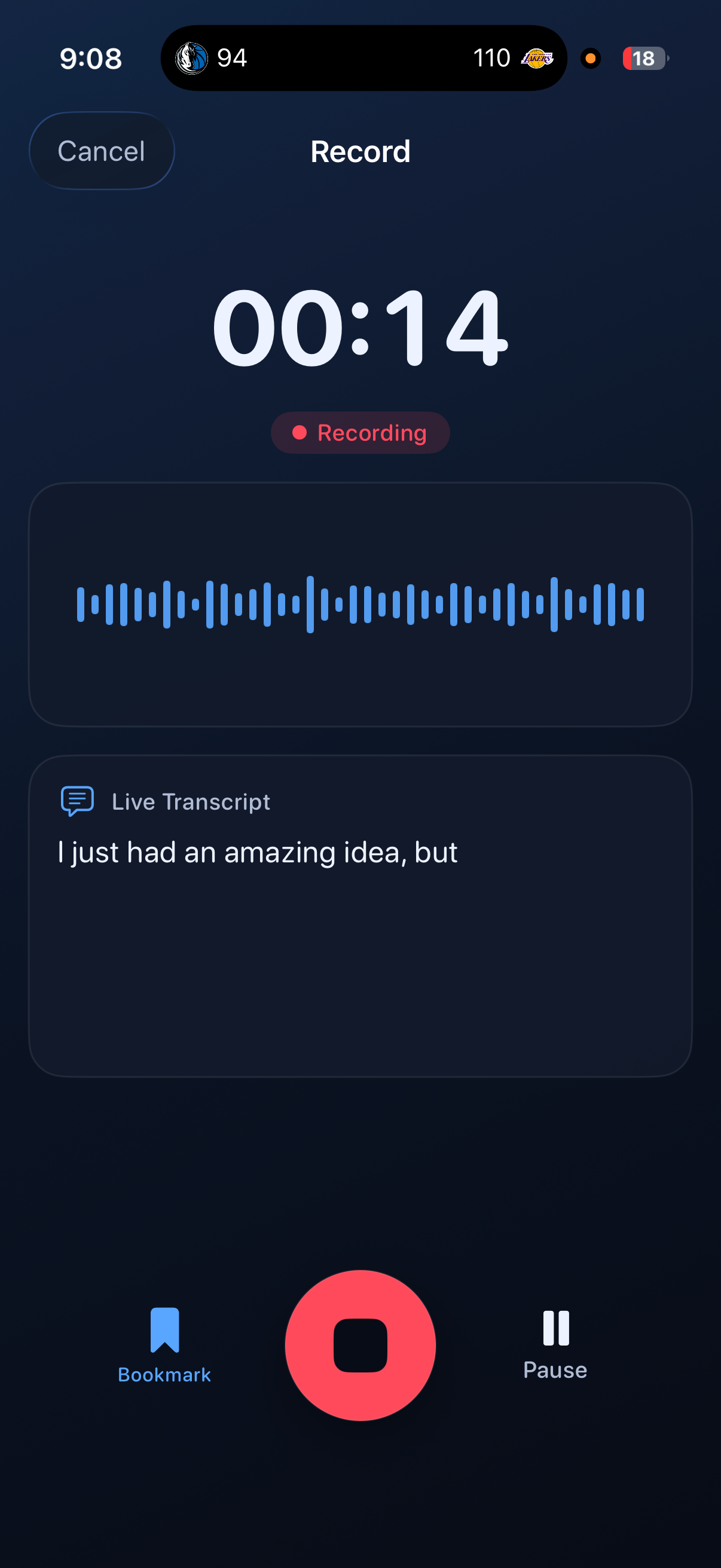
Built for meetings, lectures, interviews, quick ideas, and that feeling of your brain being searchable again.
Learn the practical workflows behind meeting notes, note-specific questions, and private voice memo transcription.
Record meetings, review transcripts, mark follow-ups, and ask focused questions later.
Read guideCapture in-person conversations without inviting a meeting bot or creating another cloud workspace.
Read guideAsk questions about one note at a time so answers stay grounded in that recording.
Read guideTurn quick recordings, lectures, and interviews into searchable notes you can use later.
Read guideRecord meetings, lectures, interviews, and ideas, then ask focused questions later.
Read guideRecord class, summarize key ideas, and ask one lecture focused study questions later.
Read guideLocal Voice Notes is designed so your recordings stay on your device. No account required, and it works offline.
On-device features require a compatible device and may need to be enabled in system settings. Speech recognition may require downloading Apple speech assets.
Start with a few private meeting notes, then unlock unlimited capture and advanced AI.
Local Voice Notes includes a free tier for getting started. Paid plans unlock unlimited saved notes, Ask this note, custom summaries, AI Search, and advanced workflows. Subscriptions are processed by Apple through your Apple ID and renew automatically unless canceled in Settings > Apple ID > Subscriptions.
Support: david@localvoicenotes.com